✅ EDA 기본
✔️기본 import
import numpy as np
import pandas as pd
import seaborn as sns
import matplotlib.pyplot as plt
✔️파일 불러오기
df_customer = pd.read_csv('olist_customers_dataset.csv')
✔️파일 저장하기
olist_df.to_csv('olist_df.csv', index=False)
✔️ 결측값 확인하기
olist_df.isna().sum()
✔️특정 컬럼 버리기 <열>
new_df = df.drop('컬럼이름', axis=1)
✔️결측값 버리기 <행>
df = df.dropna(subset=['컬럼1', '컬럼2'])ㅇdf = df.dropna()
✔️ 결측값 채우기
df.fillna(값)
import pandas as pd
import numpy as np

# 예제 데이터 생성
data = {'A': [1, 2, np.nan, 4, 5],
        'B': [np.nan, 2, 3, np.nan, 5],
        'C': [1, np.nan, np.nan, 4, 5]}

df = pd.DataFrame(data)

print("원본 데이터프레임:")
print(df)

# NaN 값을 0으로 채우기
df_filled = df.fillna(0)

print("\nNaN 값을 0으로 채운 데이터프레임:")
print(df_filled)
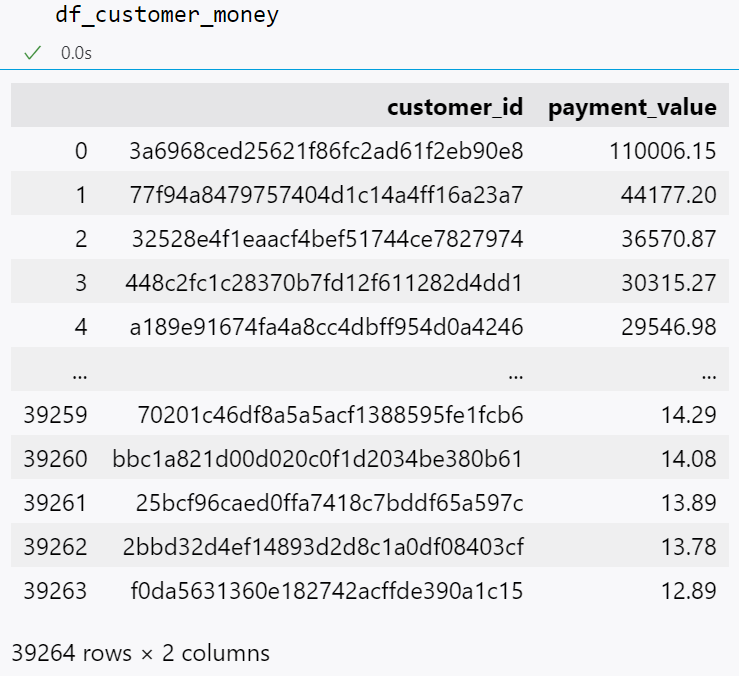
✔️고객 id별로 돈 많이 쓴 순서대로 내림차순으로 보기
df_customer_money = df.groupby('customer_id')['payment_value'].sum().sort_values(ascending=False).reset_index()
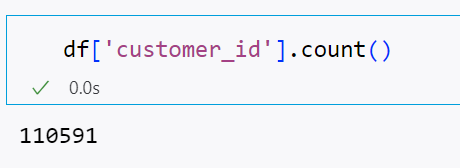
✔️ count()
중복 포함 개수 세기
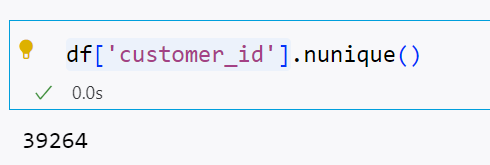
✔️ nunique()
중복 제거 개수 세기
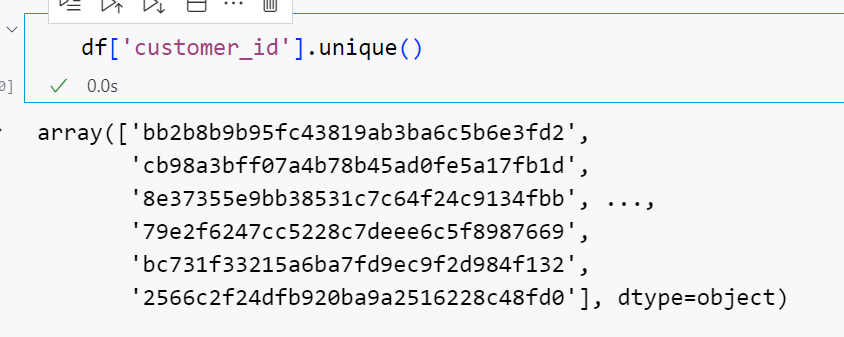
✔️ unique()
값의 종류
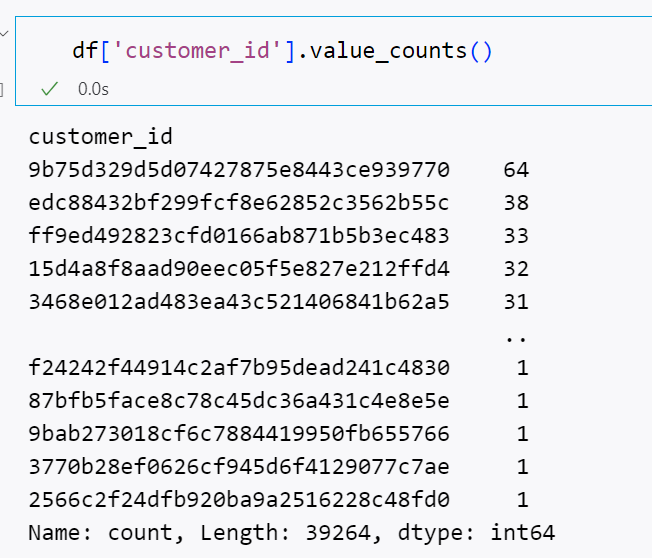
✔️value_counts()
값과 빈도수 출력하기
✅ 날짜 변환
✔️날짜 형식으로 바꾸기
pd.to_datetime 이용
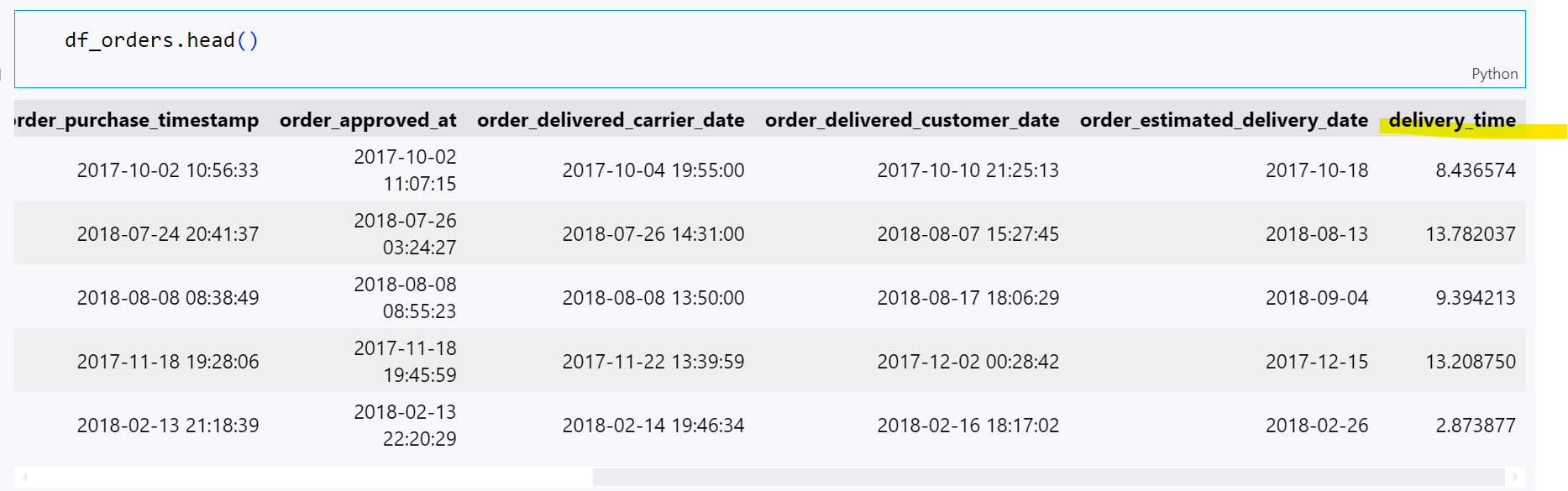
df_orders['order_purchase_timestamp'] = pd.to_datetime(df_orders['order_purchase_timestamp'])

✔️날짜 형식별 시간 계산하기
dt.total_seconds() 이용
df_orders['delivery_time'] = (df_orders['order_delivered_customer_date'] - df_orders['order_purchase_timestamp']).dt.total_seconds() / (3600*24)
✔️ 구매 시각별 연, 월, 요일로 구분하기
dt.year
dt.month
dt.day_name()사용
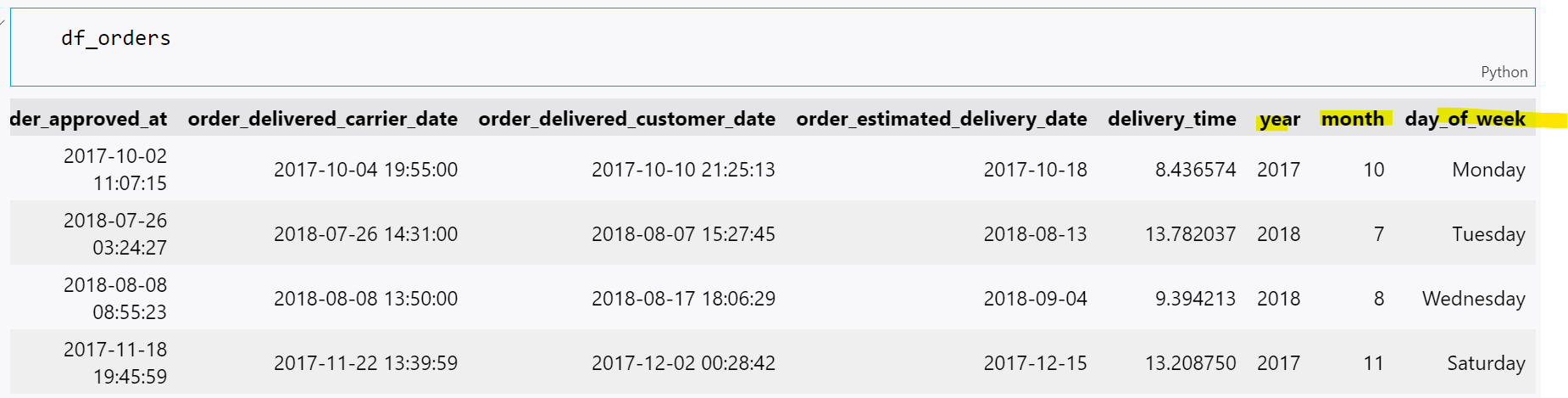
df_orders['year'] = df_orders['order_purchase_timestamp'].dt.year
df_orders['month'] = df_orders['order_purchase_timestamp'].dt.month
df_orders['day_of_week'] = df_orders['order_purchase_timestamp'].dt.day_name()
✅ 형태 변환
map
df_customer['customer_state'].unique()
region = {
    'AC': 'North', 'AP': 'North', 'AM': 'North', 'PA': 'North', 'RO': 'North', 'RR': 'North', 'TO': 'North',
    'AL': 'Northeast', 'BA': 'Northeast', 'CE': 'Northeast', 'MA': 'Northeast', 'PB': 'Northeast', 'PE': 'Northeast',
    'PI': 'Northeast', 'RN': 'Northeast', 'SE': 'Northeast',
    'DF': 'Central-West', 'GO': 'Central-West', 'MT': 'Central-West', 'MS': 'Central-West',
    'ES': 'Southeast', 'MG': 'Southeast', 'RJ': 'Southeast', 'SP': 'Southeast',
    'PR': 'South', 'RS': 'South', 'SC': 'South'}
Map 함수로 새로운 컬럼 생성하기
df_customer['customer_region'] = df_customer['customer_state'].map(region)
결과
df_customer.head()

'Knowledge🦢 > Python' 카테고리의 다른 글
| [Python] RFM 세그먼테이션 (0) | 2024.08.22 |
|---|---|
| [Python] 아이템별 조합 찾기, 2개의 테이블 합치기⚡️ (0) | 2024.07.11 |
| [Python] 카테고리 분류하기⚡️ (0) | 2024.07.10 |
| [Python] 파이썬 iterable 의 뜻 (0) | 2024.05.08 |
| [Python] 파이썬 기초문법 복습 (0) | 2024.04.05 |